2. Downloading the data
We’re going to map a dataset called IBTrACS, the International Best Track Archive for Climate Stewardship. It’s maintained by NOAA and merges cyclone track data from meteorological agencies around the world into one comprehensive archive.
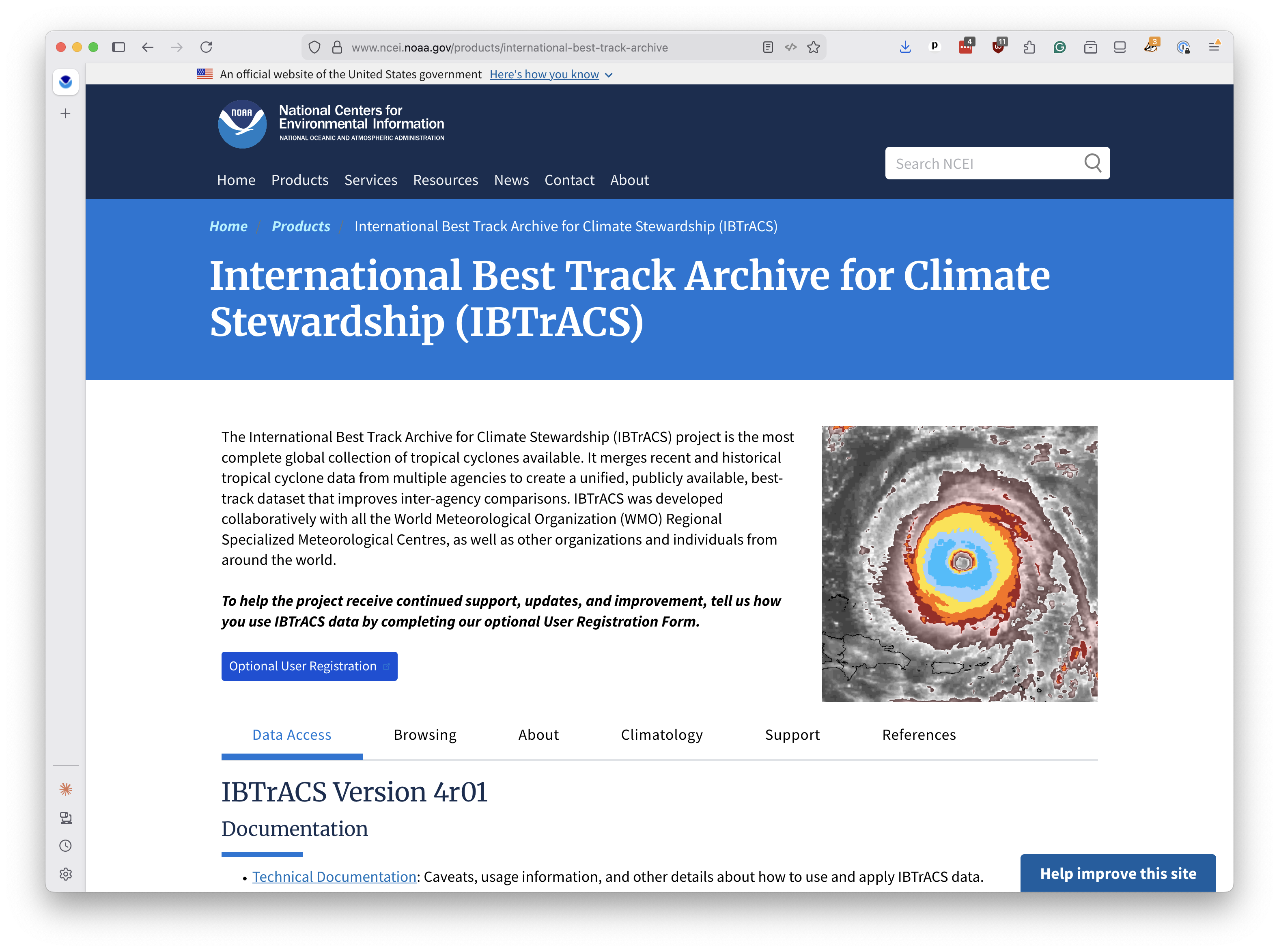
The database stretches back to the 1840s and includes the path, wind speed, pressure and classification of every known tropical cyclone on Earth. We’ll use the subset covering storms since 1980, which is when satellite observations became more reliable.
Open a terminal and create a new directory for your project.
mkdir first-pmtiles-map
Navigate into it.
cd first-pmtiles-map
Download the IBTrACS shapefile using curl. This is a zipfile containing the polyline tracks of every storm since 1980.
curl -L -o ibtracs.zip "https://www.ncei.noaa.gov/data/international-best-track-archive-for-climate-stewardship-ibtracs/v04r01/access/shapefile/IBTrACS.since1980.list.v04r01.lines.zip"
Unzip it.
unzip -o ibtracs.zip
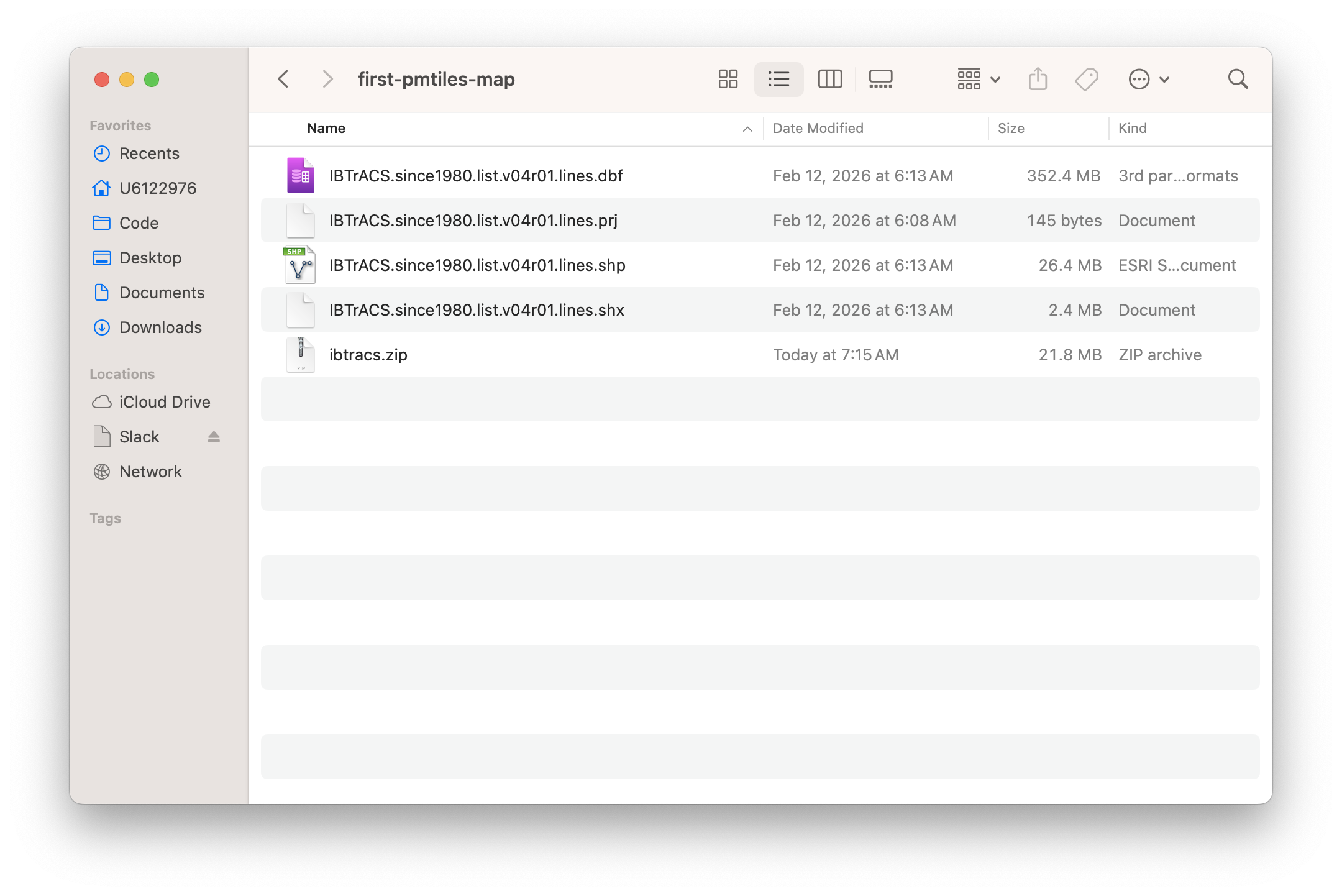
You should see several files appear, including one ending in .shp. That’s a shapefile, a digital map format developed by Esri in the 1990s that became the standard for geospatial data. It’s actually a collection of files that work together — the .shp holds the geometry, .dbf holds the attributes and .prj holds the map projection.
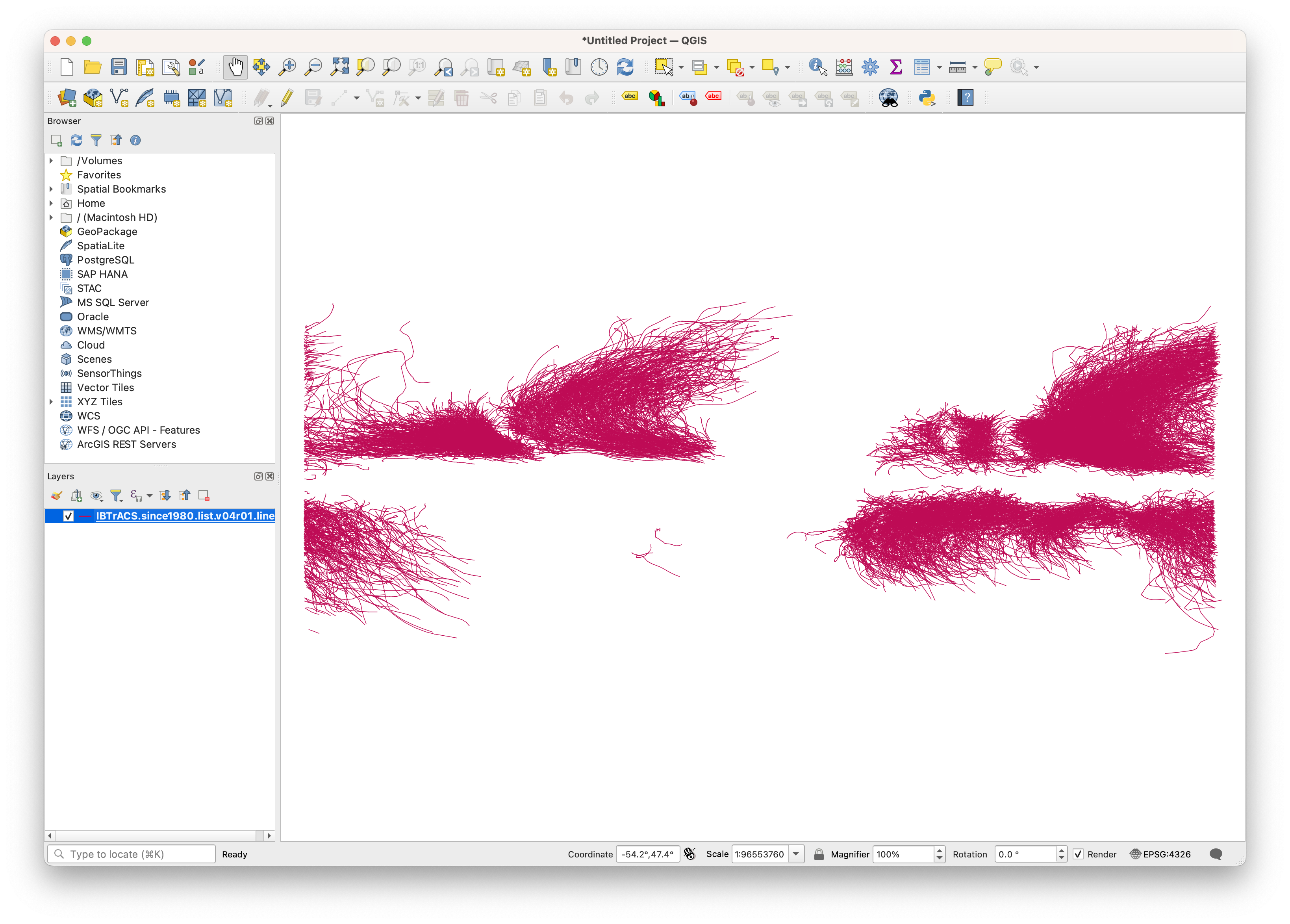
If you were to open them in a desktop mapping program like QGIS, you’d see the storm tracks laid out on a map.
We want to convert them into PMTiles so we can display them on an interactive web map. That comes next.