1. What you will make
If you work through this class, you will learn how to convert a massive dataset into a lightweight static file that can be easily layered on an interactive map.
Here’s the demonstration case we’ll work through together: Every tropical cyclone since 1980 displayed using the MapLibre GL JavaScript library.
Most maps like this are made by converting the data into a format like GeoJSON, which will pass along the full dataset to the user’s browser. This works fine when you are mapping a few hundred points or lines, but quickly falls apart as the size of the dataset increases.
The problem often occurs when trying to map the detailed data sources favored by journalists, like gridded weather models, building footprints, Census tracts and ZIP Codes.
In our case, the cyclone dataset includes more than 300,000 line segments, which would result in a GeoJSON file of nearly 1 gigabyte. That’s far too big for most browsers to handle.
1.1. How do we do it?
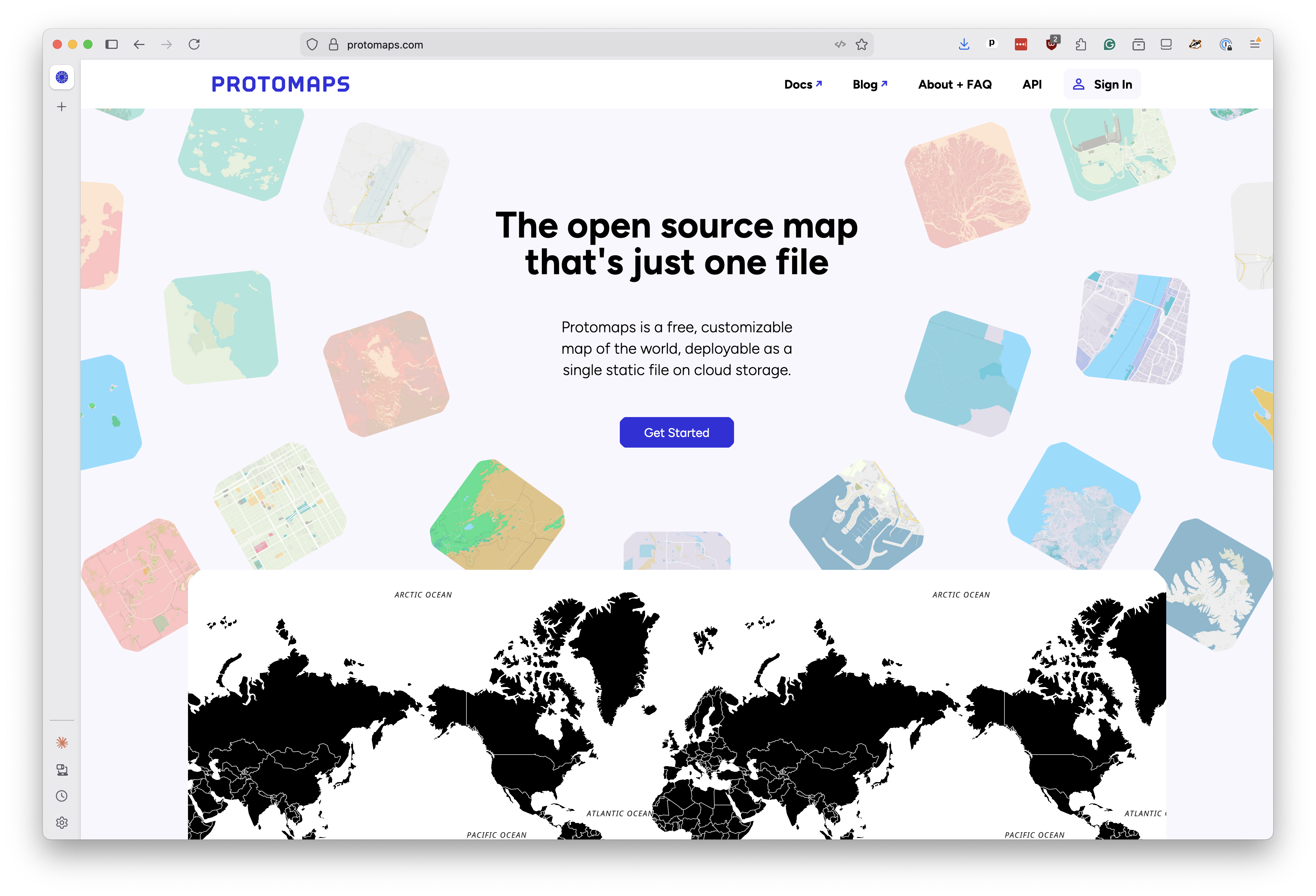
The answer is PMTiles, a relatively new file format that splits the data up into tiles and packs them up into a single file. It’s developed by an open-source project called Protomaps.
An ingenious application of HTTP range requests, the technology used to gradually stream video files, allows a PMTiles map to load instantly and run smoothly, even on mobile devices.
When the map wants to show a particular part of the world at a particular zoom level, the PMTiles library figures out where those tile bytes live in the file, issues a range request and gets only the data it needs.
Because all of the data is pre-processed and rolled up into a single file, there are no servers or databases to run. You can host your PMTiles file on any static hosting service that supports range requests, like Amazon S3 or Cloudflare R2, and your map will work without needing to run any servers or databases. Just upload the file and you’re done.
1.2. What it takes
The chapters that follow will show you how to create a PMTiles map like the one above, starting with a raw dataset and ending with a polished interactive map. We’ll use only free and open-source tools, gradually building up to the final product.
All you’ll need to start is a computer with a text editor, a command-line interface, and an internet connection to download the necessary software and data.
Note
If you’ve never coded before, I recommend you start by installing Visual Studio Code, a free coding tool made by Microsoft, which will give you a text editor and a command-line interface to work with.